

What it is
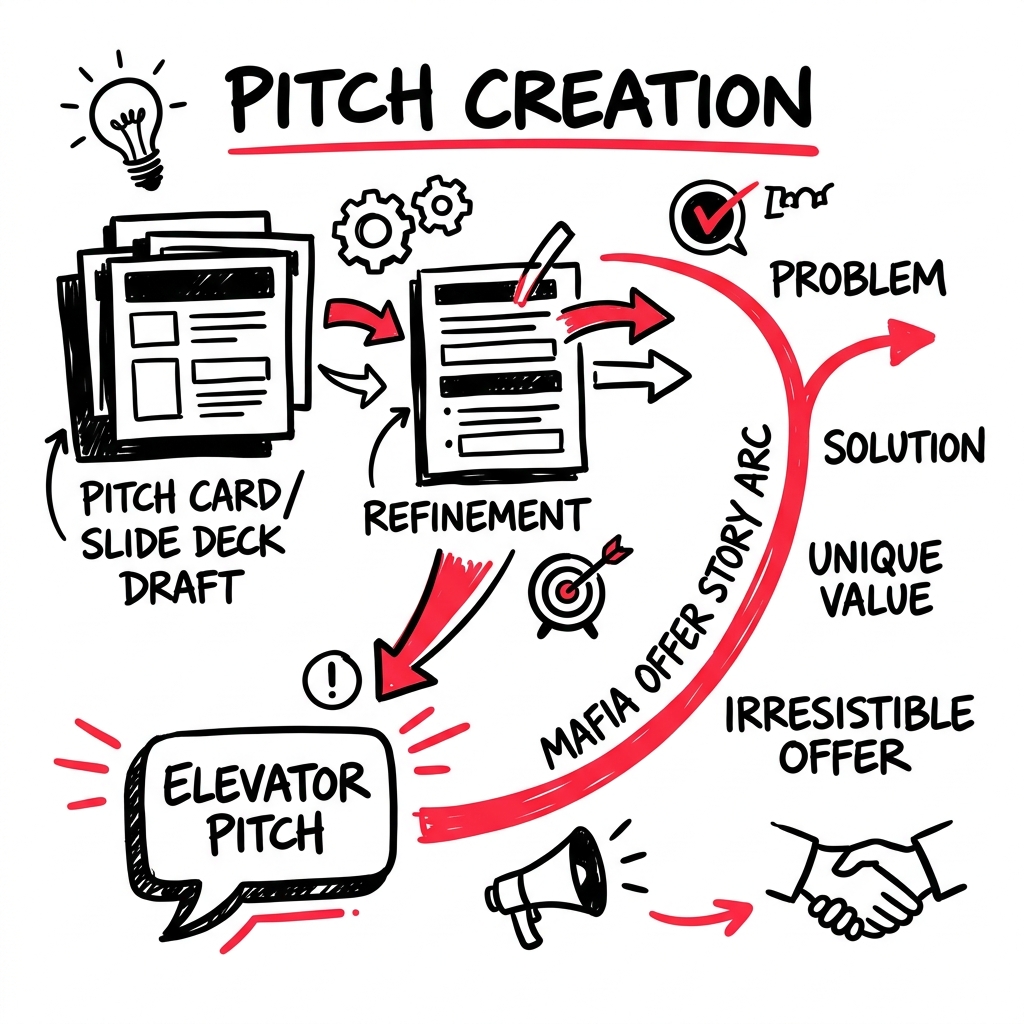
Pitches captures the pitch decks and pitch frameworks LEANSpark helps you create. From elevator pitches to mafia offer stories, your pitches evolve as your business model gets validated.
How to get there
Pitch artifacts live in your Library. You can also work on pitches through chat by asking LEANSpark to help you craft or refine a pitch.
What you’ll find
- Pitch deck artifacts — generated pitch decks you can view in deck mode, download, or export
- Pitch templates — LEANSpark uses proven templates like the Elevator Story Pitch, Problem/Solution Pitch, and Mafia Offer Pitch
- Deck view — pitch deck artifacts open in a presentation-style view
Common questions
Q: How do I create a pitch deck? Ask LEANSpark “help me build a pitch deck” or “create a pitch” in chat. LEANSpark will generate one based on your current canvas.
Q: Can I edit my pitch after it’s generated? You can ask LEANSpark to regenerate the pitch with updated context. Each version is saved in your Library.
Q: What pitch formats are available? LEANSpark supports several pitch frameworks from the Running Lean methodology, including Elevator Story Pitch, Problem/Solution Pitch, Demo Pitch, and Mafia Offer Pitch.
Q: Where do I find my pitch decks? Go to the Library and filter by pitch type, or ask LEANSpark “show me my pitches.”