What it is
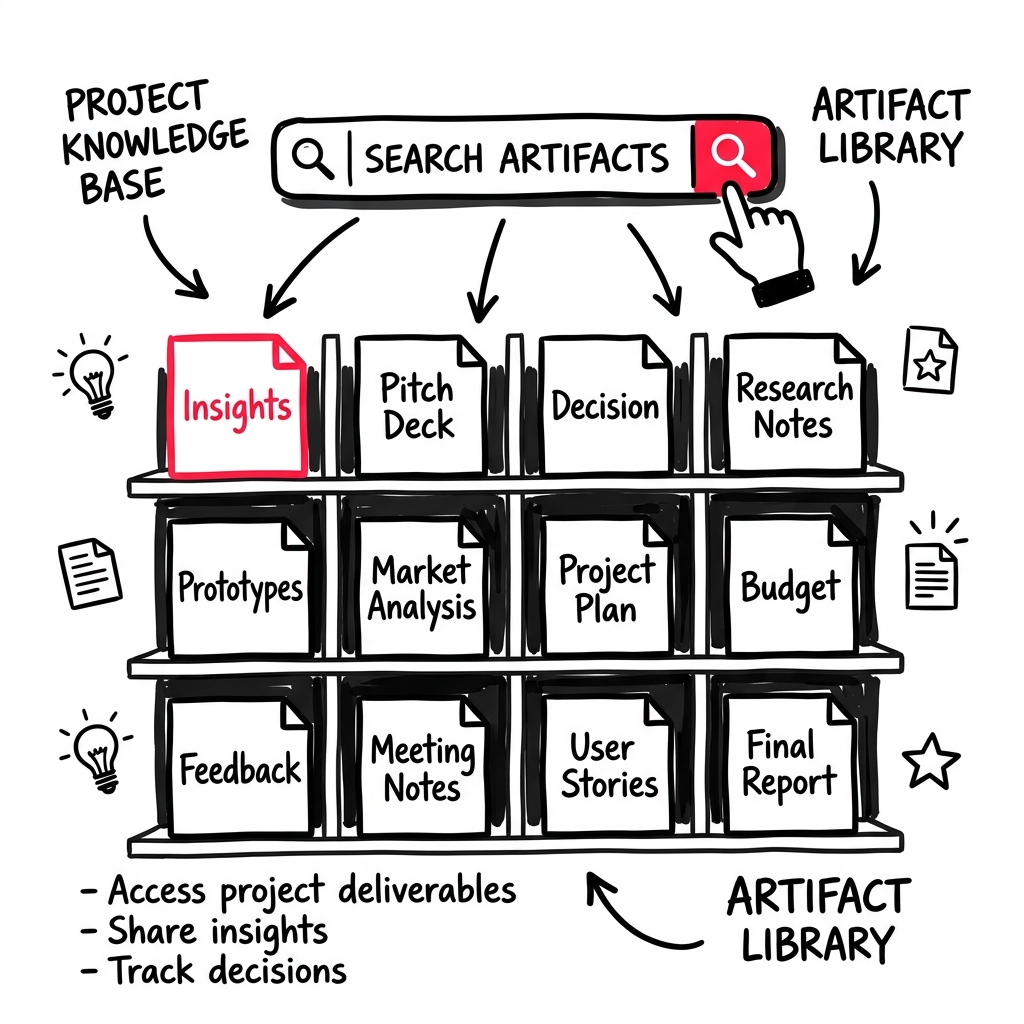
The Library is your collection of every artifact and deliverable LEANSpark creates for you — study insights, discovery decisions, pitch decks, and more. Think of it as your project’s knowledge base.
How to get there
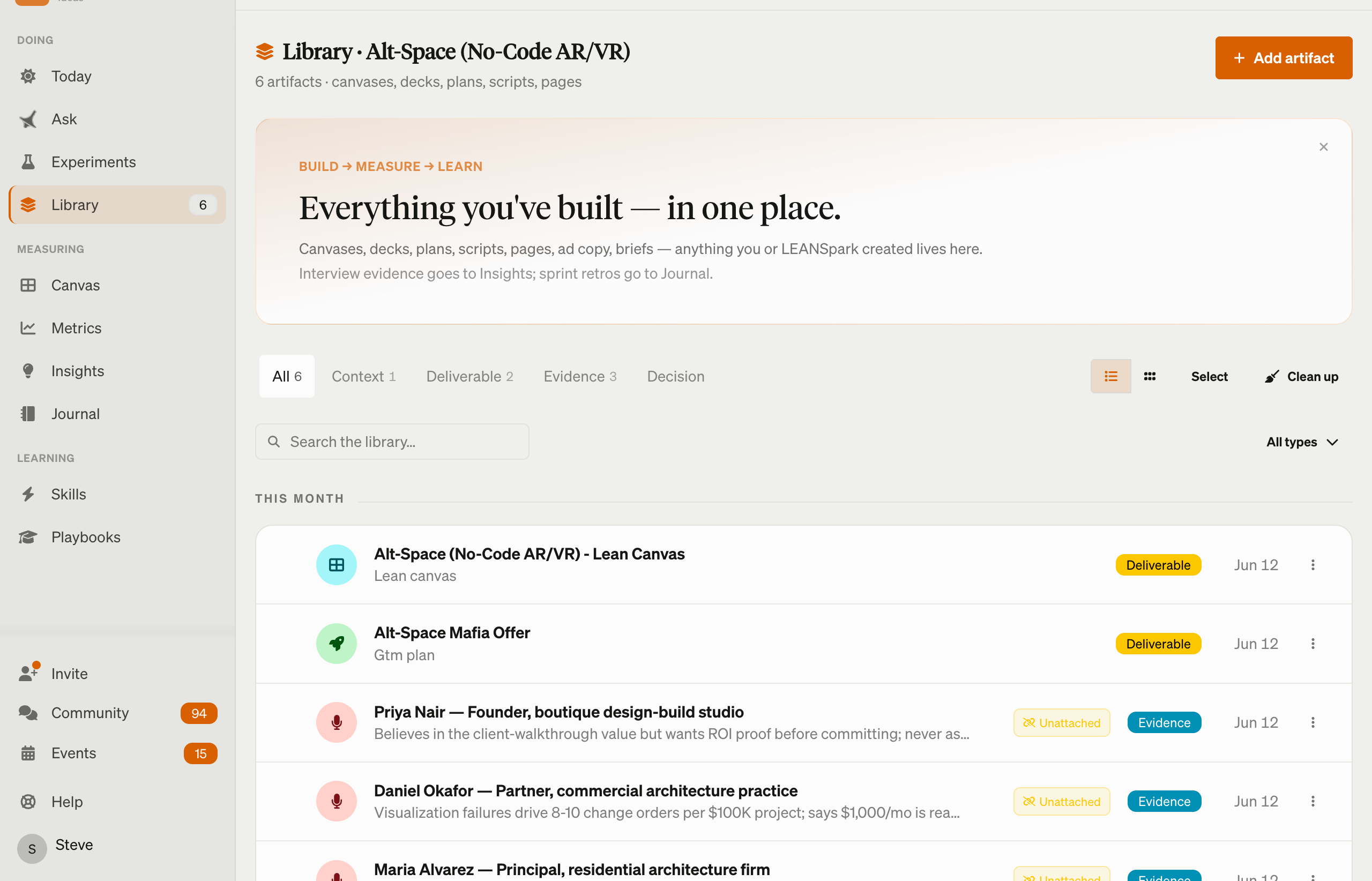
Click “Library” (stacked layers icon) in the left sidebar. The badge shows how many artifacts you have.
What you’ll find
Search and filter
- Search bar — find artifacts by name or content
- Filter chips — narrow by artifact type (e.g., study insights, decisions, pitches)
Artifact list
Each artifact card shows its title, type, creation date, and a preview. Click to open the full artifact.
Artifact actions
- Download — save as a file
- Export — export in various formats
- Regenerate — ask LEANSpark to recreate the artifact with updated context
- Reanalyze — re-run analysis on interview artifacts
- Archive / Unarchive — hide artifacts you no longer need, bring them back when needed
- Deck view — pitch deck artifacts open in a presentation view
AI-powered Organize
Click “Organize” to let LEANSpark clean up your library — it can suggest renames, group related artifacts, and archive stale items.
Common questions
Q: Where are my artifacts? Everything LEANSpark generates is saved to your Library automatically. Click “Library” in the sidebar to see them all.
Q: Can I delete an artifact? You can archive artifacts to hide them. Archived artifacts can be restored anytime from the archive view.
Q: How do I find a specific artifact? Use the search bar at the top of the Library, or use filter chips to narrow by type.
Q: What types of artifacts does LEANSpark create? Common types include study insights from customer interviews, discovery decisions, pitch decks, canvas exports, and assessment reports.
Q: Can I organize my artifacts? Yes — use the AI-powered “Organize” feature. LEANSpark will analyze your library and suggest cleanup actions like renaming, grouping, and archiving.
Related features
- Canvas — your Lean Canvas (also exportable)
- Dashboard — artifacts appear within sprint context
- Interviews — interview analysis creates artifacts