

What it is
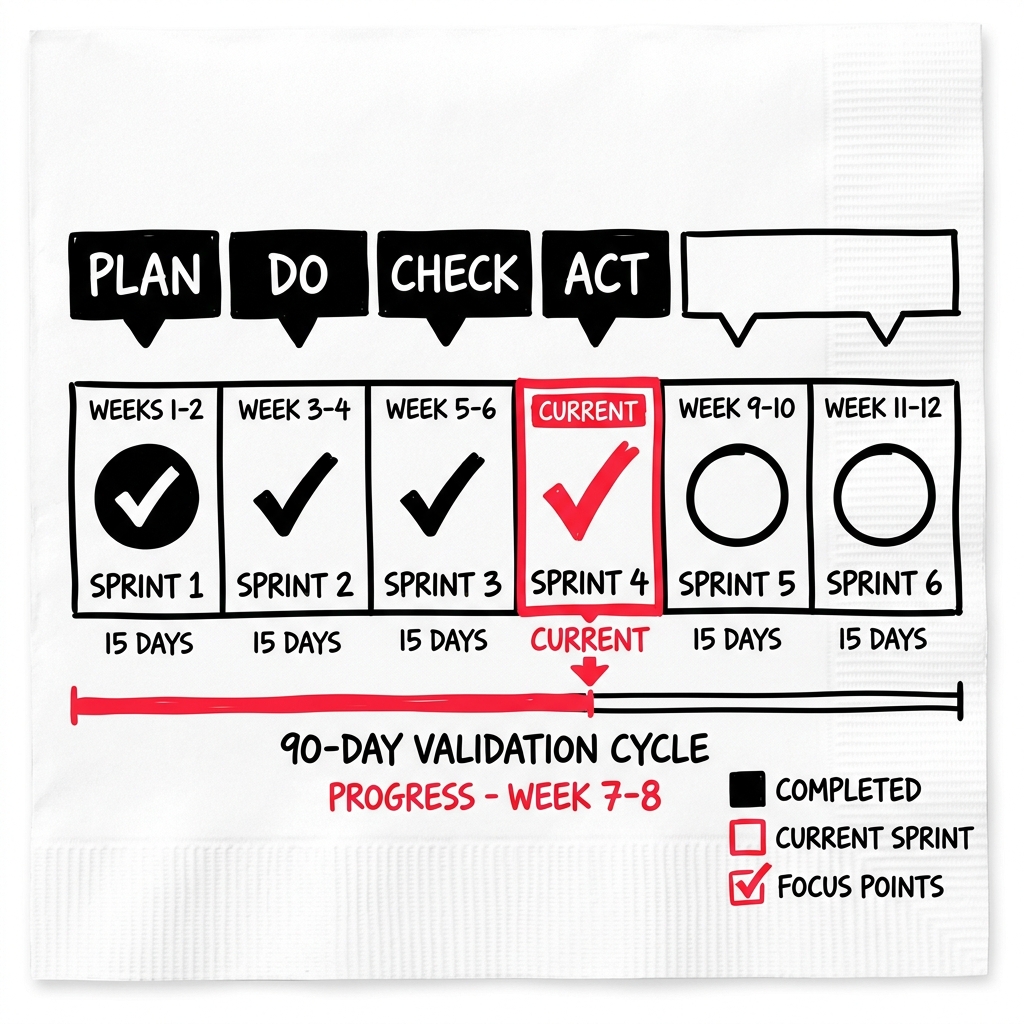
The Dashboard shows your validation progress organized into 90-day cycles and sprints. It’s where you track what you’ve accomplished and what’s next in your business model validation journey.
How to get there
Click “Dashboard” (chart icon) in the left sidebar.
What you’ll find
Three dashboard states
- Empty state — before you’ve started any validation work. Shows guidance on getting started.
- Sprint 0 (BMD Phase) — your Business Model Design retrospective. Shows assessment progress across dimensions and your current canvas state.
- Campaign view (Sprint 1+) — full cycle overview with sprint cards, a journey visualization, and PDCA (Plan-Do-Check-Act) phases.
Sprint 0 — BMD Retrospective
- Assessment progress for each business model dimension
- Business model design summary
- Links to start your first validation sprint
Campaign view
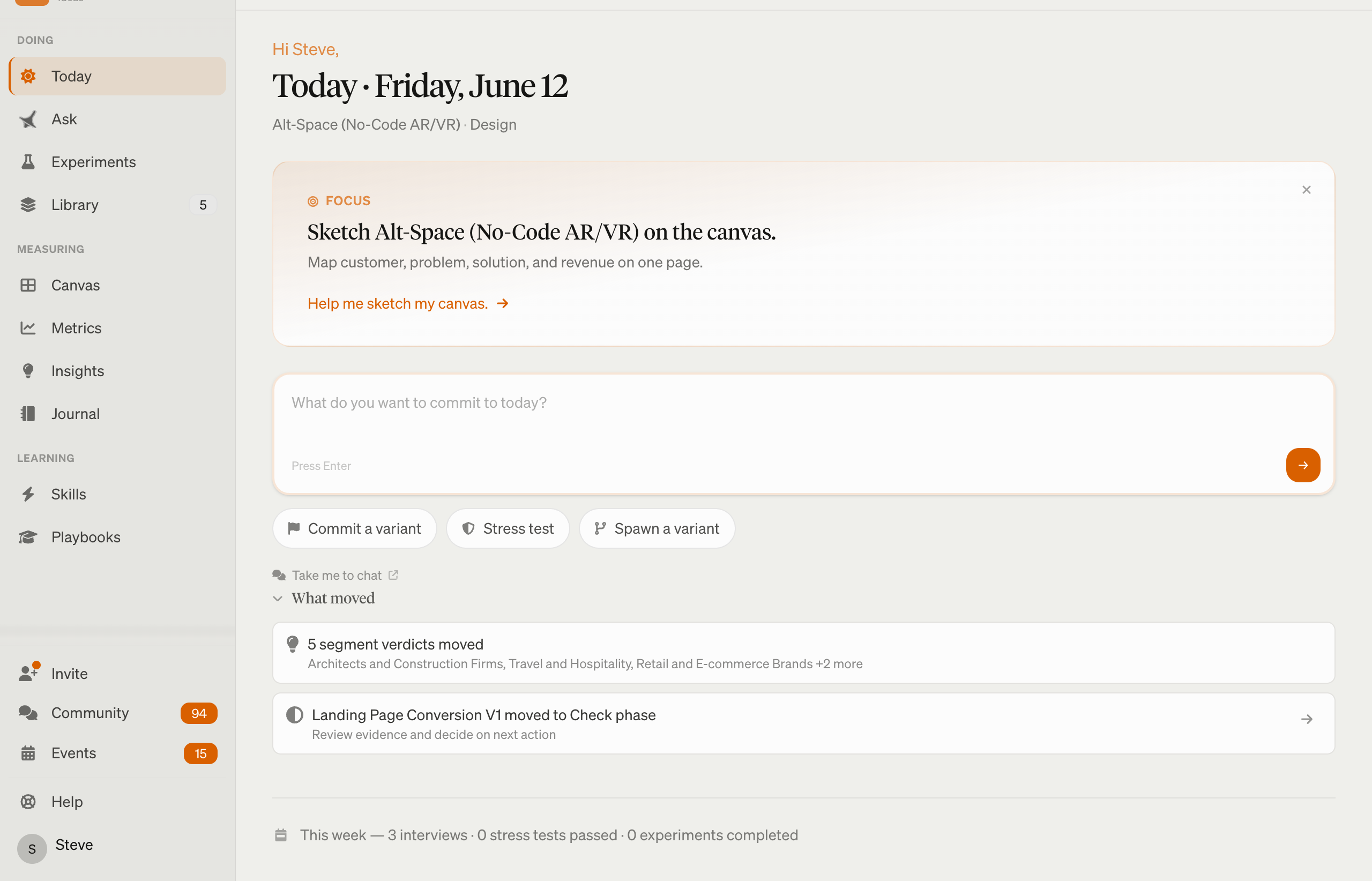
- Cycle overview — high-level status of the current 90-day cycle
- Sprint cards — each sprint shows its focus, tasks, interview count, and status
- Sprint detail — click into a sprint to see tasks, interviews, study insights, and PDCA notes
- Info modals — contextual explanations for concepts like Lean Canvas, Traction Roadmap, GTM Plan
Common questions
Q: What is a 90-day cycle? A 90-day cycle is a structured validation period broken into sprints. Each sprint focuses on specific experiments and customer discovery tasks.
Q: How do I start a cycle? LEANSpark will guide you through creating your first cycle when your business model design is ready. You can also ask LEANSpark “help me plan my next cycle.”
Q: What’s the difference between Sprint 0 and Sprint 1? Sprint 0 is your Business Model Design phase — getting your canvas right. Sprint 1+ are validation sprints where you run experiments and talk to customers.
Q: Where do I see my interview data? Interview summaries appear within each sprint on the Dashboard. For full interview details, check the sprint detail view or the Library.
Related features
- Interviews — customer discovery interviews
- Traction Roadmap — milestone planning
- Library — artifacts generated during sprints