
What it is
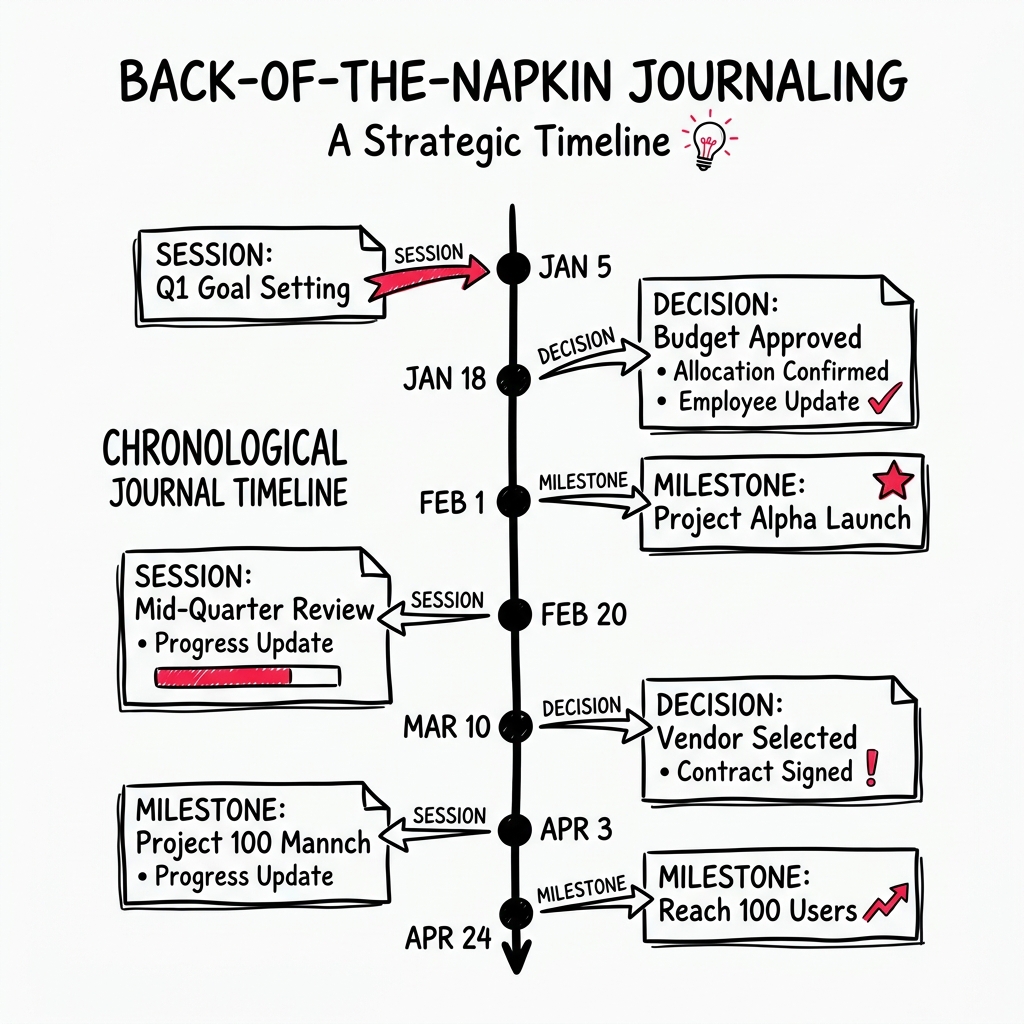
The Journal is a chronological timeline of your sessions and activity with LEANSpark. It gives you a birds-eye view of your progress over time.
How to get there
Click “Journal” (notebook icon) in the left sidebar.
What you’ll find
Timeline view
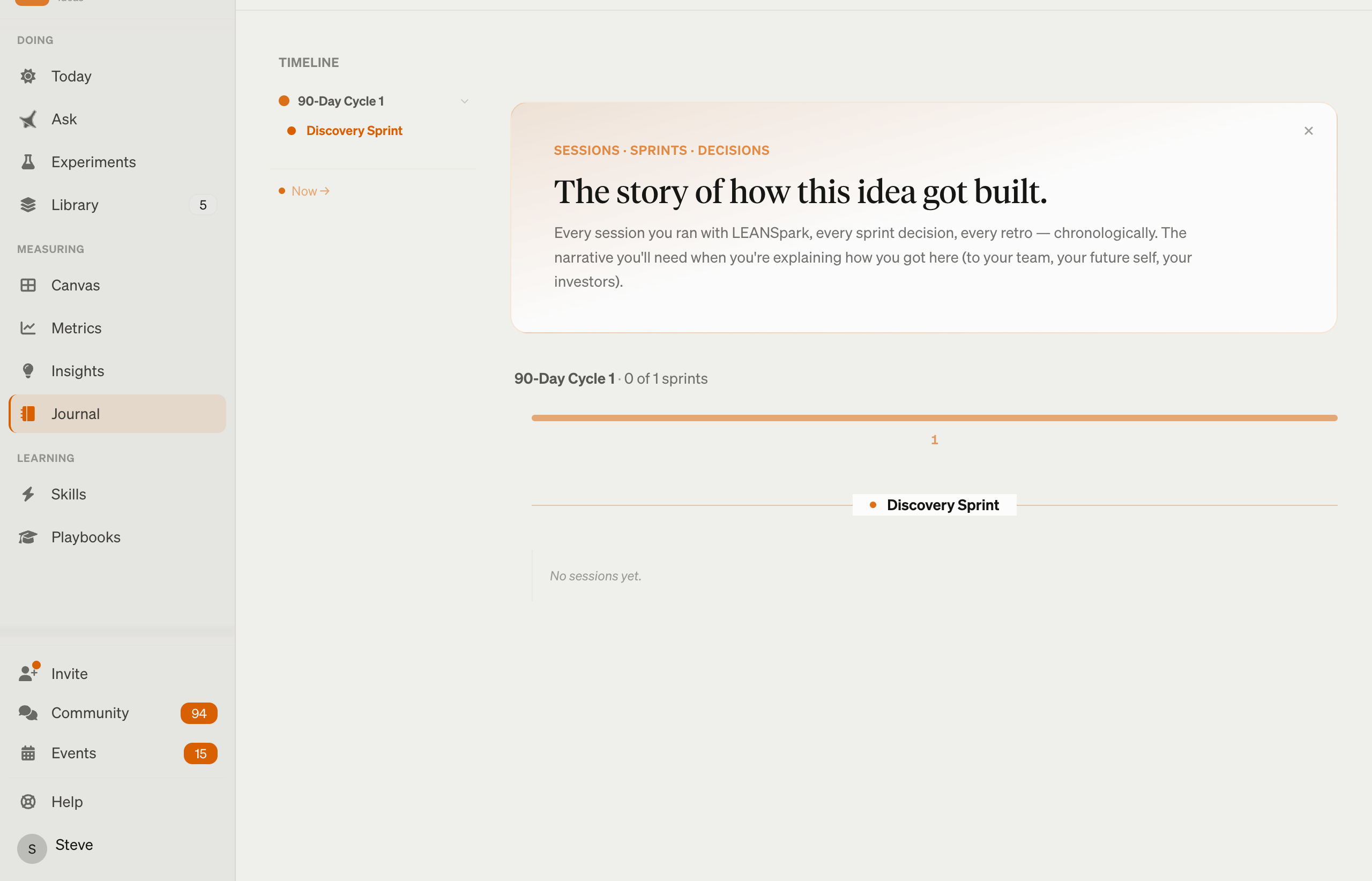
- Session entries — grouped by time period, showing what you worked on in each session
- AI-generated summaries — LEANSpark creates concise summaries of each session highlighting key decisions, insights, and next steps
- Lazy-loaded history — older entries load as you scroll down
Journal entries
Each entry captures:
- What was discussed
- Key decisions made
- Artifacts created
- Next steps identified
Common questions
Q: How are journal entries created? LEANSpark automatically generates journal entries at the end of meaningful chat sessions. You don’t need to write them manually.
Q: Can I see my full conversation history? The Journal shows summarized entries. For the full conversation, go to Sparks (chat) and scroll through your message history.
Q: How far back does the Journal go? The Journal keeps your entire history. Older entries load as you scroll.
Q: Can I search the Journal? You can scroll through entries chronologically. For finding specific artifacts or topics, the Library search may be more effective.
Related features
- App Navigation — how Sparks and Journal relate
- Library — artifacts referenced in journal entries
- Dashboard — sprint-level progress view