

What it is
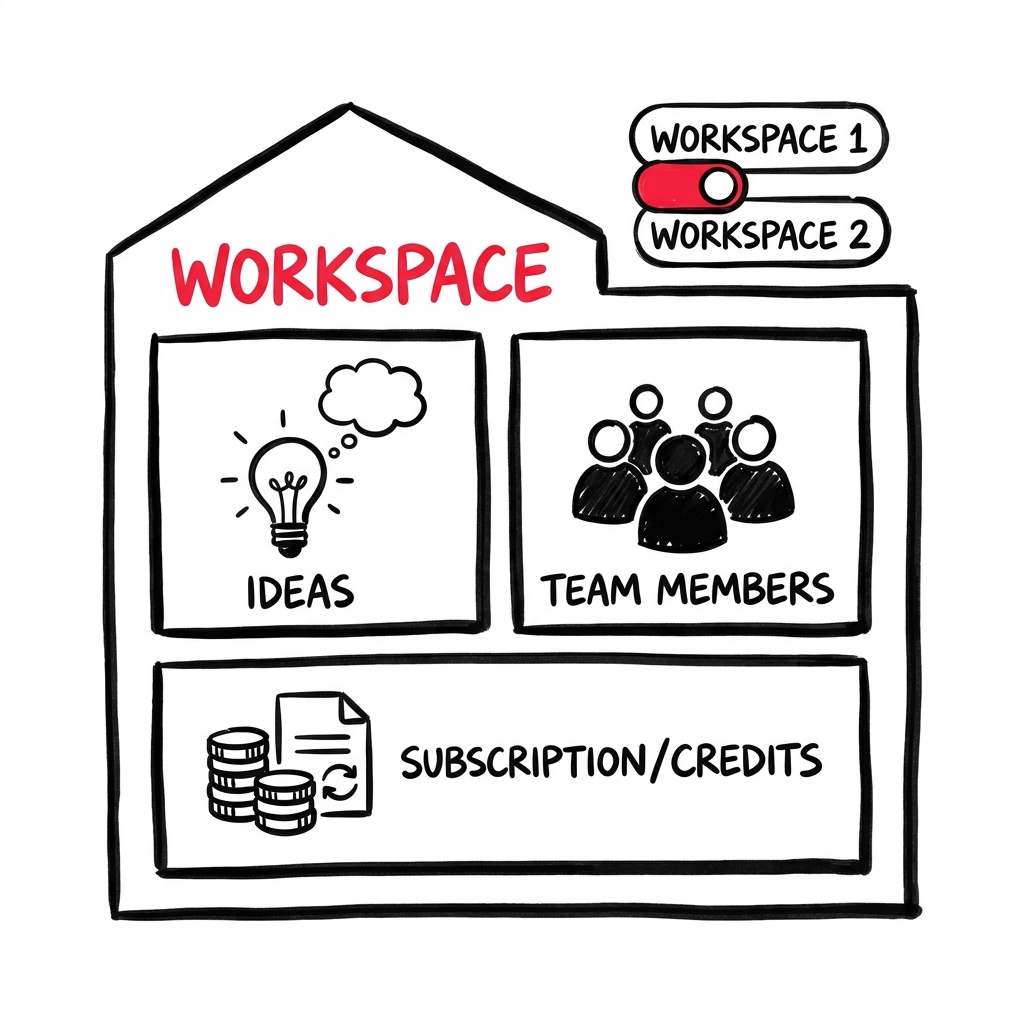
A Workspace is your team’s home in LEANSpark. It holds your Ideas, team members, subscription, and credits. You can have multiple workspaces and switch between them.
How to get there
Click your avatar at the bottom of the sidebar. Under “Switch Workspace,” pick a different workspace. Click the workspace name or “Team Details” to manage it.
What you’ll find
Team management
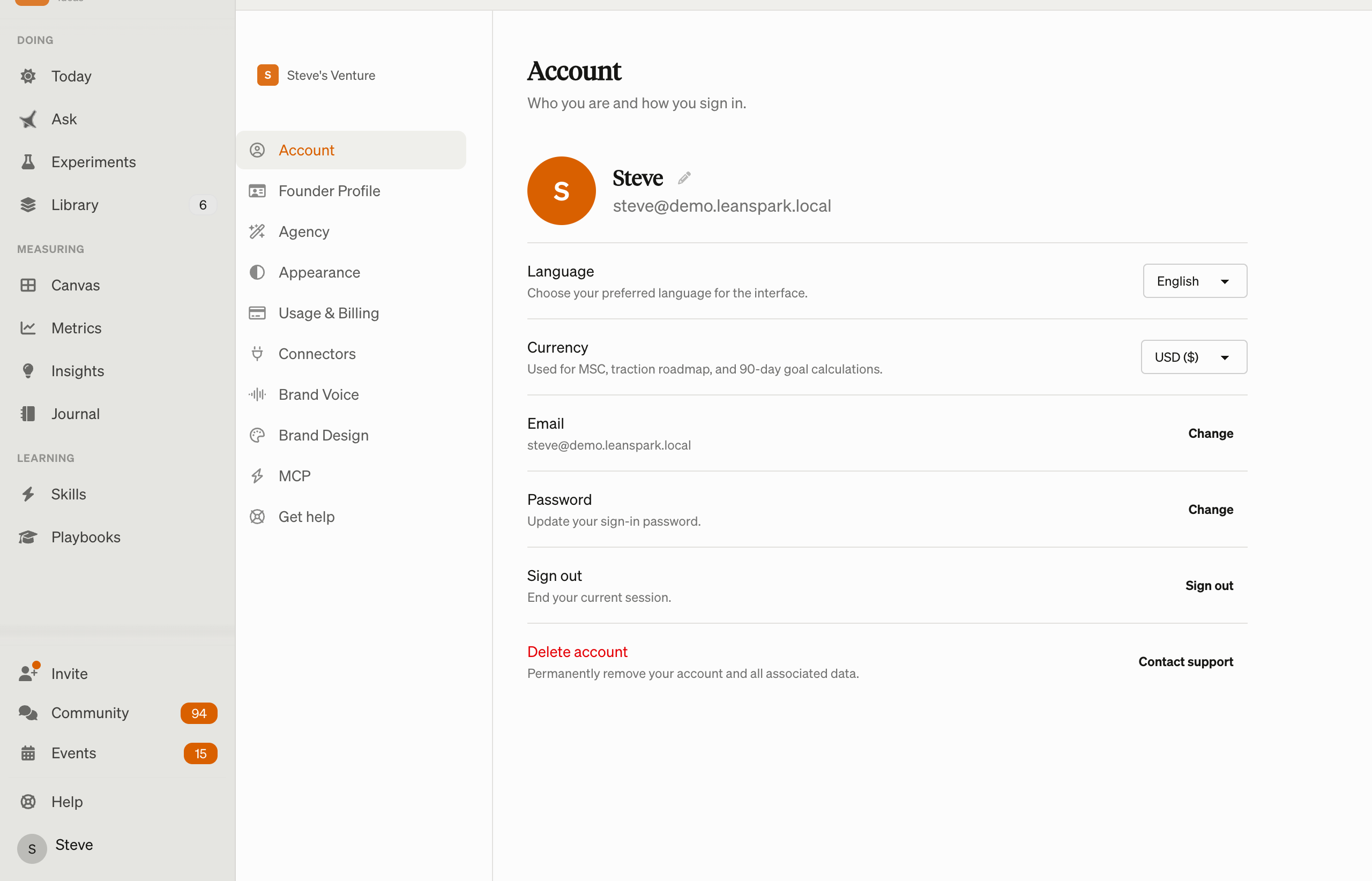
- Members — see who’s on your team, invite new members, manage roles
- Invitations — send email invitations to teammates
- Roles and permissions — control who can manage the workspace vs. just use it
Subscription and billing
- Current plan — see your plan type (solo, team) and status
- Upgrade — move from solo to team plan, or change plan tiers
- Billing portal — manage payment methods and view invoices through Stripe
- Credits — see your credit balance and purchase more
Credits
- Credits are used for AI interactions (chat messages, lesson starts, artifact generation)
- Purchase credit bundles from the workspace settings
- The credits balance is shown in the sidebar footer
Switching workspaces
If you belong to multiple workspaces, switch between them from your avatar dropdown under “Switch Workspace.”
Creating a new workspace
Available from your avatar dropdown as “Create New Workspace” (when enabled).
Common questions
Q: How do I invite a teammate? Go to your workspace settings and click “Invite” in the Members section. Enter their email address. They’ll receive an invitation link.
Q: How do I buy more credits? Click “Buy Credits” from the workspace settings, or use the credits link in the sidebar footer.
Q: Can I be in multiple workspaces? Yes — you can belong to multiple workspaces and switch between them from the avatar dropdown.
Q: How do I change my subscription? Go to workspace settings → Subscription. You can upgrade, change plans, or access the Stripe billing portal for payment management.
Q: What happens when I run out of credits? A banner appears at the top prompting you to purchase more. AI features are paused until credits are replenished.
Q: How do I create a new workspace? Click your avatar → “Create New Workspace” at the bottom of the workspace section.
Related features
- App Navigation — workspace info in sidebar footer
- Skills — lessons consume credits
- Getting Started — workspace is set up during onboarding