
LEANSpark Chat
Your AI thinking partner — it knows your canvas, roadmap, interviews, and assessments, and edits them with you.
What it is
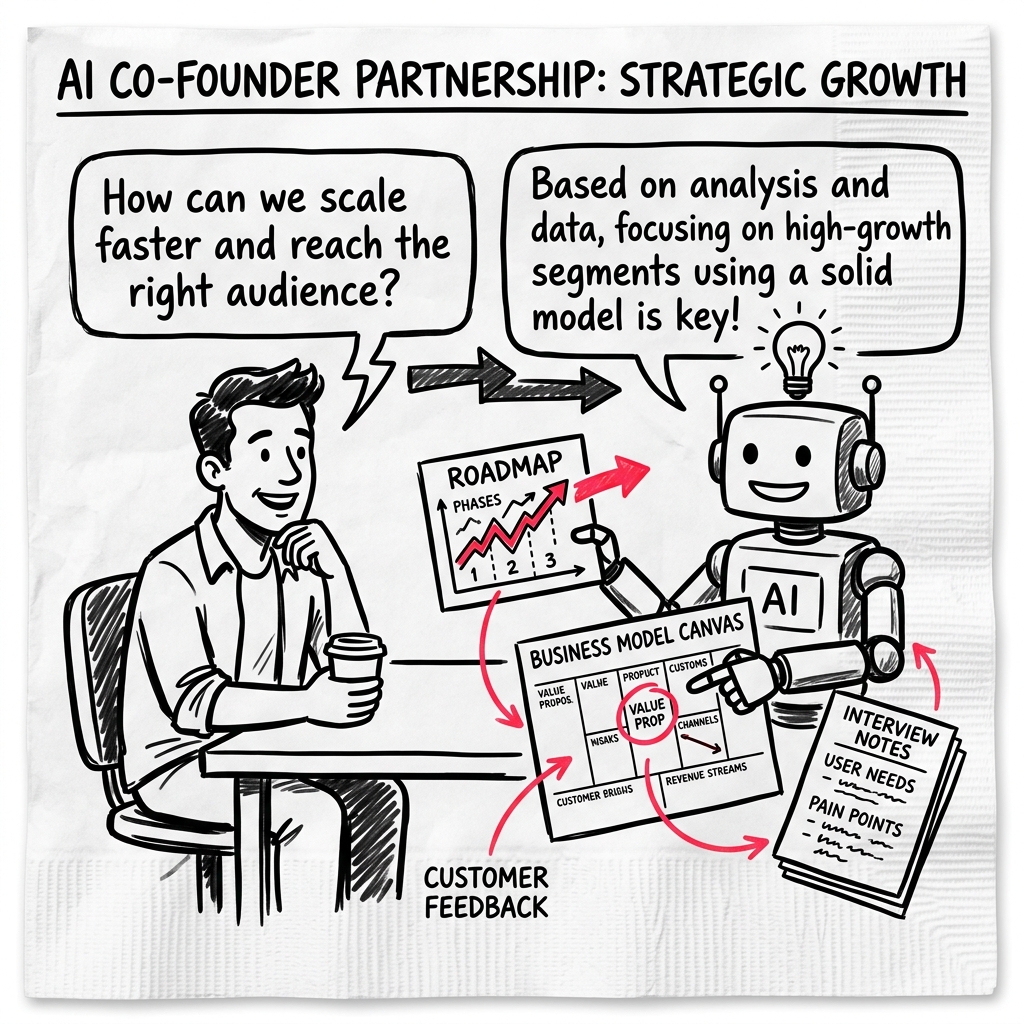
LEANSpark is the AI partner at the center of the product. It’s a chat that has read your canvas, your roadmap, your sprint, your interviews, and your assessments — and can edit any of them with you. Treat it less like a search bar and more like a co-founder who has been reading along.
Where it lives
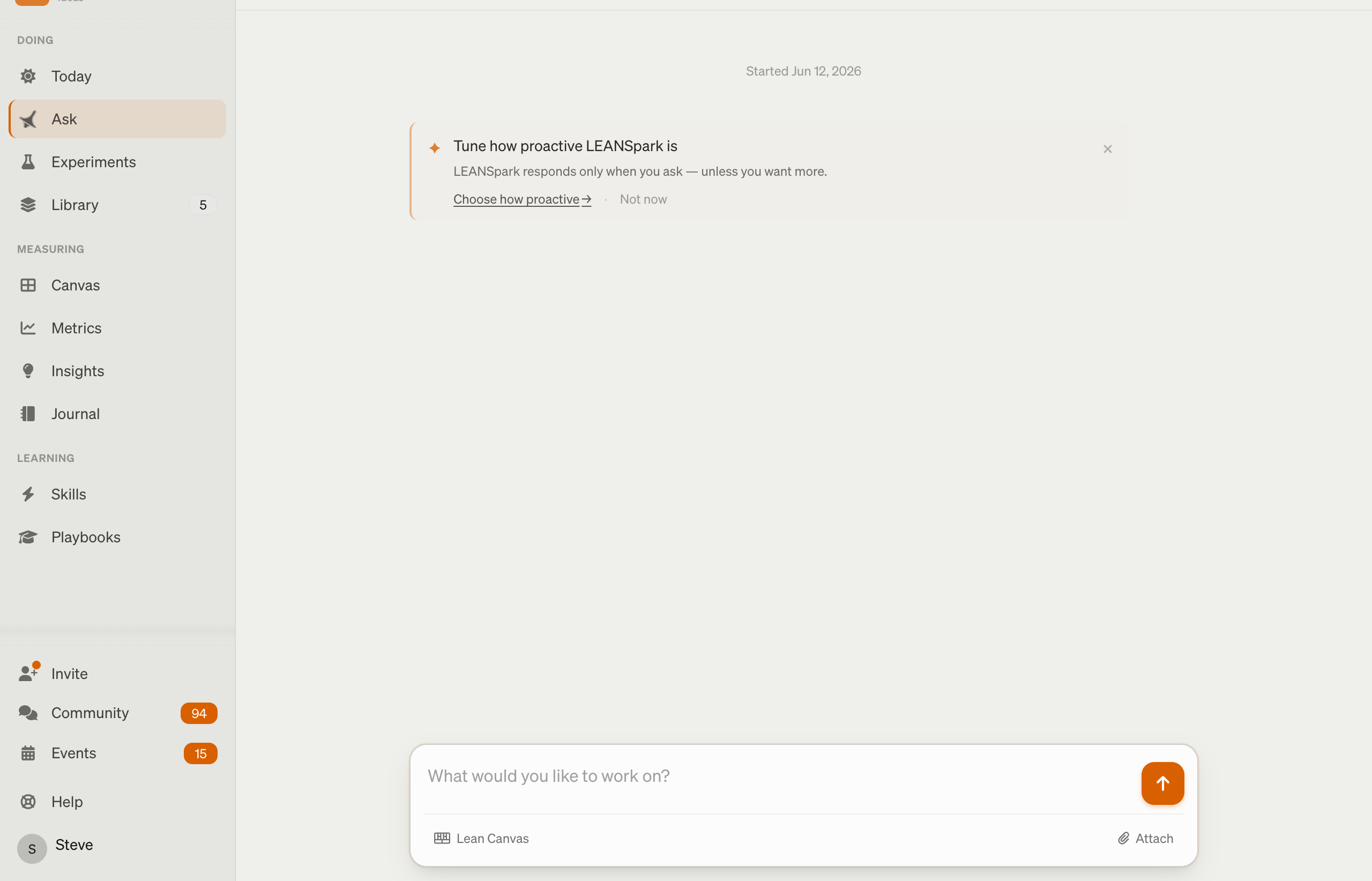
- Every conversation is its own chat at
/chats/:id. - The chat input is the bottom bar on most founder-facing pages. Today, the Sprint Board, the Canvas, and Insights all share the same conversation context — you don’t navigate away to talk to it.
How to use it
Anchor the question to something specific — a canvas block, an experiment, an interview — not a vague “what should I do?”. LEANSpark is most useful when the question is about your business model, not business models in general.
Good moments to open it:
- You’re stuck on the next move and want a thinking partner, not a tutorial.
- You ran a customer interview and want help pulling the insights into your canvas.
- You’re about to commit to an experiment and want the hypothesis pressure-tested.
- You want to draft something — a problem statement, a UVP, an experiment plan — and iterate on it.
It consumes every artifact in your chat and writes back to those same artifacts — updating the canvas, scheduling experiments, recording interview insights. Push back on its replies: ask it to explain its reasoning, or for the alternative it didn’t pick. It’s a partner, not an oracle.